Path of Idle Crystallized Skull & Mutated Skills Guide
A current patch 1.1.3 guide to Crystallized Skull, locked Mutated Skills on older Godsworn, Preferred Skills, and safe reroll testing.
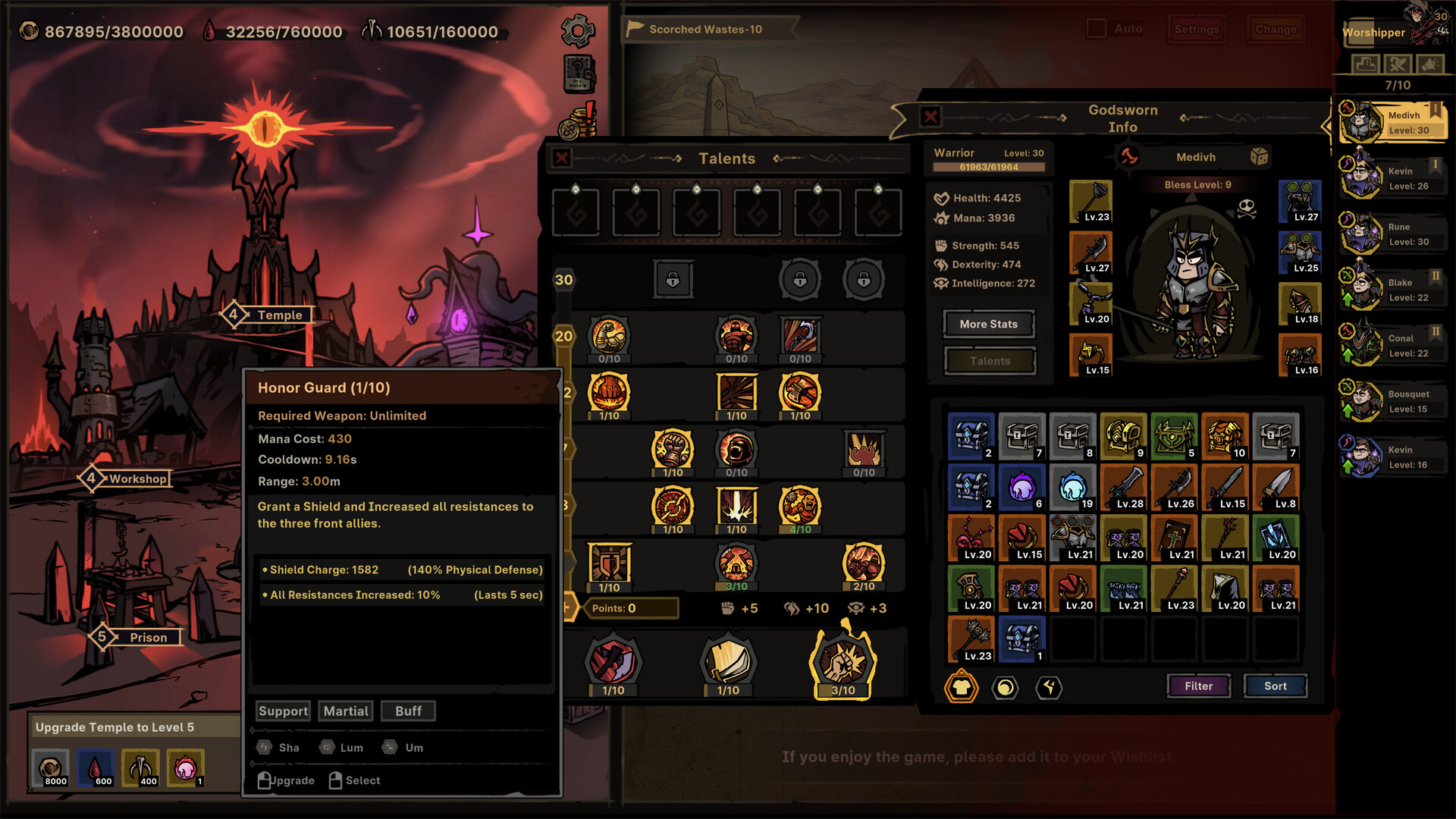
Record the visible skill and Talent state before using a build-changing resource so the result can be compared.
Credit: Official Path of Idle Steam store screenshot ↗
Version note: Interface context only; Patch 1.0.9 documents the current combine location, while later notes document locking and the current retail boundary.
Quick Answer
- ✓Since version 1.0.5, Crystallized Skull changes Mutated Skills and combines at a cost of six.
- ✓Patch 1.0.11 adds the ability to lock Mutated Skills before changing them.
- ✓If an older Godsworn shows a locked Mutated Skill, version 1.0.6.2 says eligible Legendary and Mythic recruits from before the unlock can gain one through a Crystallized Skull.
Where Crystallized Skull Combines in Patch 1.0.9
The official 1.0.9 adjustment moved Crystallized Skull combining in the Sanctum to Floor 18. This is a location and progression change, not evidence that its Mutated Skill behavior, odds, or result quality changed. If an older guide points to another floor, verify that Steam has updated the game before spending or reporting a missing option.
Source: Official version 1.0.9 notes ↗
What Crystallized Skull Does in the Current Full Release
The important behavior source is version 1.0.5: the official notes changed Crystallized Skull so it changes Mutated Skills, and reduced its combine cost to six. That means an older demo explanation or early launch video may describe a different item behavior. No later official note through the current 1.1.3 release says that this workflow was removed, but the public notes still do not promise a specific Mutated Skill, publish exact roll odds, or guarantee that any change is an upgrade. Check the item text in the installed 1.1.3 client before confirming.
Source: Official version 1.0.5 update ↗
Can You Reroll a Mutated Skill?
Yes, in the limited sense supported by the official notes: version 1.0.5 says Crystallized Skull changes Mutated Skills, and version 1.0.11 says Mutated Skills can now be locked. A recent full-release Steam question shows that players still struggle to find this workflow, but community replies remain demand evidence rather than proof of every detail. The official notes do not publish exact odds, guarantee a Preferred Skill, explain how two Mutated Skills are selected for a change, or document lock costs and limits. Treat the current in-game confirmation screen as the boundary before spending.
Source: Official version 1.0.5 update ↗
Lock the Mutated Skill You Need to Keep in Patch 1.0.11
Version 1.0.11 officially adds Mutated Skill locking. Before using a Crystallized Skull, mark the working Mutated Skill with the current lock control, then review the confirmation state before spending. This supports a safer keep-one-change-one workflow when the interface offers it. The patch note does not state how many skills can be locked, whether a lock changes the price, or which slot changes when multiple skills remain unlocked, so this guide does not supply those missing rules.
Source: Official version 1.0.11 notes ↗
Why an Older Godsworn Shows a Locked Mutated Skill
A current full-release player reports seeing a Mutated Skill on an older character but finding it locked, which makes the Prison unlock look recruit-only. The official version 1.0.6.2 note answers the supported legacy case: Legendary and Mythic Godsworn recruited before Mutated Skills unlocked can gain Mutated Skills through a Crystallized Skull. This is narrower than saying every older recruit qualifies, and it does not prove that every locked icon has the same cause. Verify the character quality, the account's Mutated Skill unlock, and the current item confirmation screen before spending. If an eligible older recruit still has no Skull option in 1.1.3, capture the character quality, unlock screen, item prompt, and installed version for a bug report.
Preferred Skills Also Apply to Mutated Skills
Version 1.0.4 extended Preferred Skills to Mutated Skills. Before using a Skull, define the character's job and mark only skills that support that job in the Codex. A frontline, elemental damage dealer, ranged physical dealer, healer, and buffer need different outcomes. The note confirms that preference applies; it does not publish a guaranteed selection or exact probability. Use Preferred Skills to express intent, then judge the actual result rather than assuming the system must return the marked choice.
Continue with: classes and role-selection guide
Source: Official version 1.0.4 notes ↗
Prepare a Build Snapshot Before Spending
Capture the current Mutated Skill, Talents, equipment, Runeword, basic skill, weapon requirement, and team assignment. Then run one repeatable stage and note success, first death, clear time, and whether Fatigue or survival ends the attempt. This snapshot is the only reliable comparison after the Skull changes the build. Do not reroll, reset Talents, swap equipment, and replace a teammate in the same test; multiple changes hide which one caused the outcome.
Continue with: controlled team-test procedureRuneword and socket checks
Evaluate the Result by Role, Not Rarity Alone
Read the new Mutated Skill and ask whether it improves the sentence that defines the character's job. A damage increase that forces a backliner into the wrong range, removes needed sustain, or conflicts with the equipped weapon can lower the team's real clear rate. A support result may look weak on the damage screen while preventing the first death. Replay the baseline encounter several times and compare consistency. Keep the change only when the line works better or the result serves a planned second build.
Why the Talent Screen May Change Immediately
Patch 1.0.8 added real-time Talent UI updates when Mutated Skills change. If the visible Talent arrangement or related display updates after using a Skull, inspect the new Mutated Skill before assuming data was lost. This UI behavior is designed to show the changed build source more promptly. If the screen appears inconsistent, leave and reopen the character view, restart once, and reproduce with screenshots before taking a destructive recovery step.
Continue with: safe troubleshooting guide
Source: Official Path of Idle announcement feed — version 1.0.8 ↗
Do Not Confuse Skull, Baptism, and Talent Reset
Crystallized Skull changes Mutated Skills in the post-1.0.5 system. Baptism is a Temple workflow where Preferred Skills and Talent locks shape a different progression decision. The 1.0.5 Talent reset instruction exists so revised Blessing points apply after updating. These actions can all change what the build screen shows, but they solve different problems. Name the problem first: acquiring or changing a Mutated Skill, shaping Baptism, or refreshing points after a patch. Spend only on the matching action.
Continue with: Baptism and Talent-lock workflowpatch 1.0.5 action checklist
A Safe Crystallized Skull Checklist
Confirm patch 1.1.3 and the item's current description. Verify the Godsworn's quality and unlock state. Define its role, set coherent Preferred Skills, and lock any Mutated Skill the build cannot afford to lose. Capture the existing build and baseline fight. Read the combine cost shown in game—the 1.0.5 public note says six, but the installed tooltip is authoritative after future updates. Apply one change, inspect the real-time Talent UI, and retest the same stage. Stop if the result creates an unclear interaction; preserve evidence before spending another Skull.
Related Guides
Evidence Sources
- Official version 1.0.5 update: Crystallized Skull changes Mutated Skills ↗
- Official version 1.0.4 notes via SteamDB: Preferred Skills affect Mutated Skills ↗
- Official version 1.0.6.2 update ↗
- Official version 1.0.9 notes via SteamDB: Sanctum Floor 18 ↗
- Official version 1.0.11 notes: Mutated Skills can be locked ↗
- Recent Steam player question about changing Mutated Skills (demand evidence only) ↗
- Current Steam question about an older Godsworn showing a locked Mutated Skill (demand evidence only) ↗
- Official version 1.1.3 update: current retail-version boundary ↗
- Official Path of Idle announcement feed ↗
- Official Steam store ↗
- SteamDB app history ↗
Revision note: checked against the sources above on 2026-10-01. Recheck in-game tooltips after every balance update.